Logo 2 opaque
  • Home
  • Service
  • News
  • Storefront
  • About us
  • SOS!
  • Customer Portal
    • Portal
    • Remote Access
  • (570) 667-6149
  • Home
  • Service
  • News
  • Storefront
  • About us
  • SOS!
  • Customer Portal
    • Portal
    • Remote Access
  • (570) 667-6149
Contact us
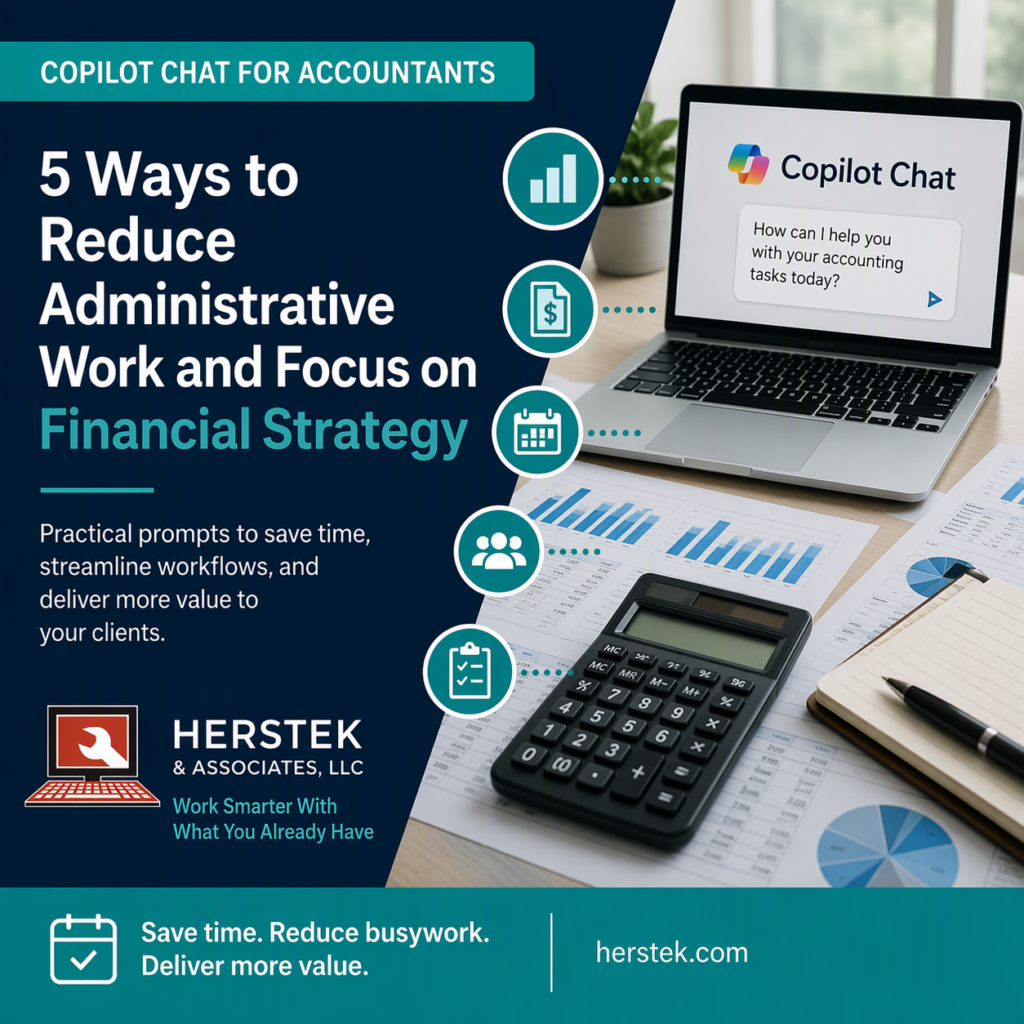
Feature image for a Microsoft Copilot Chat article for accountants showing financial reports, a calculator, and Copilot Chat alongside the headline "5 Ways to Reduce Administrative Work and Focus on Financial Strategy."

Copilot Chat for Accountants: 5 Ways to Reduce Administrative Work and Focus on Financial Strategy

Posted by By Mandy July 27, 2026Posted inCopilot Chat, Microsoft 365
Discover five practical ways accountants can use Microsoft Copilot Chat to reduce administrative work, improve organization, and spend more time delivering valuable financial insight.
Read More
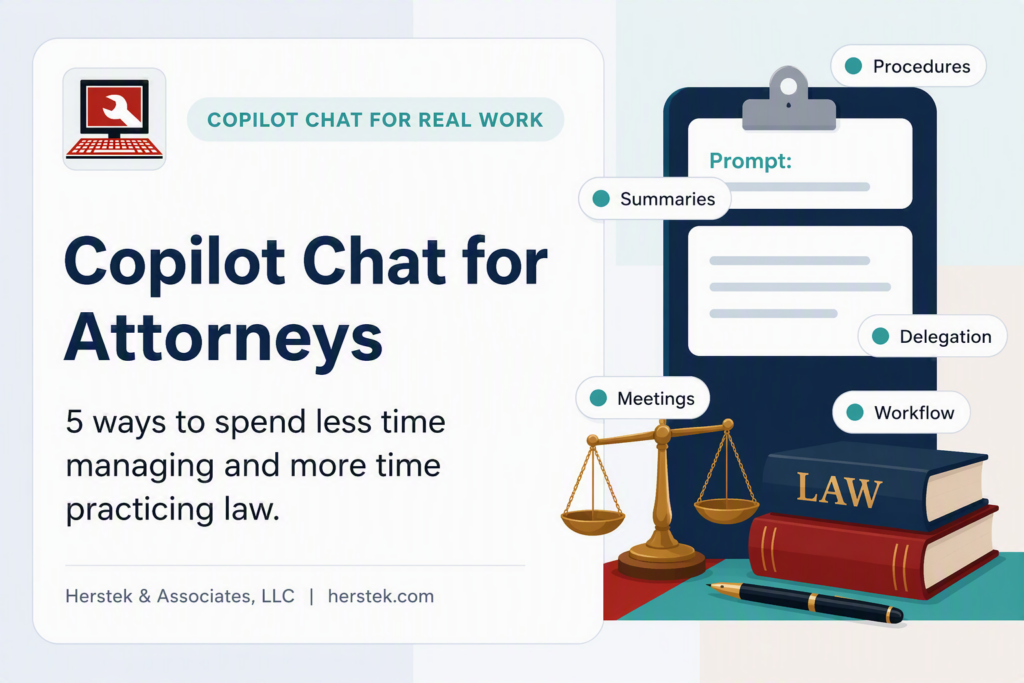
Copilot Chat for Attorneys feature image showing a modern legal-themed graphic with Microsoft Copilot Chat prompts, workflow management concepts, legal books, scales of justice, and administrative productivity tools for law firms.

Copilot Chat for Attorneys: 5 Ways to Spend Less Time Managing and More Time Practicing Law

Posted by By Mandy July 26, 2026Posted inCopilot Chat, Microsoft 365
Discover 5 practical ways attorneys can use Microsoft Copilot Chat to summarize information, improve delegation, standardize procedures, prepare for meetings, and reduce administrative overhead.
Read More
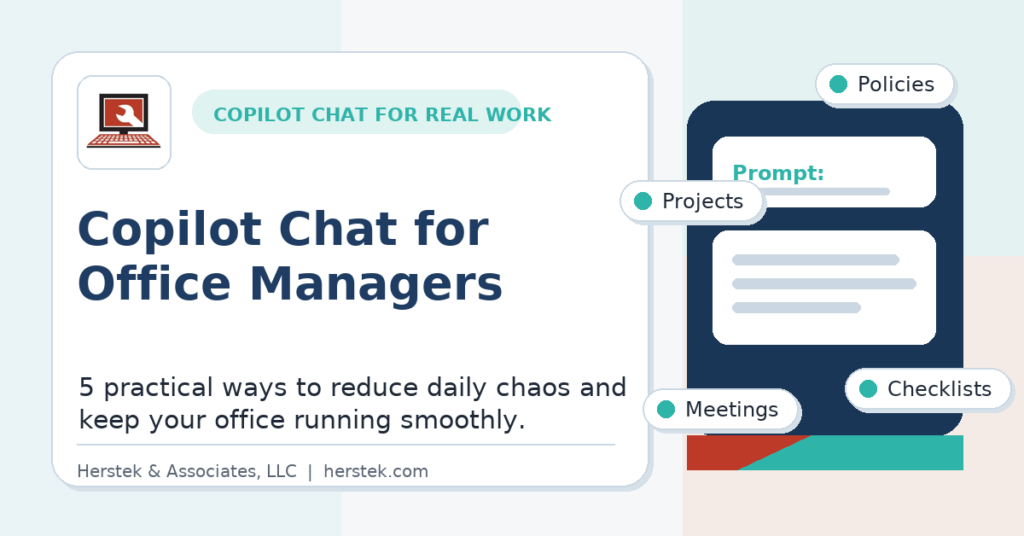
Microsoft Copilot Chat to manage projects, policies, meetings, and checklists

Copilot Chat for Office Managers: 5 Practical Ways to Reduce Daily Chaos

Posted by By Mandy July 23, 2026Posted inMicrosoft 365
Discover 5 practical ways office managers can use Microsoft Copilot Chat to create policies, organize projects, prepare meetings, and reduce daily chaos without complicated prompts.
Read More
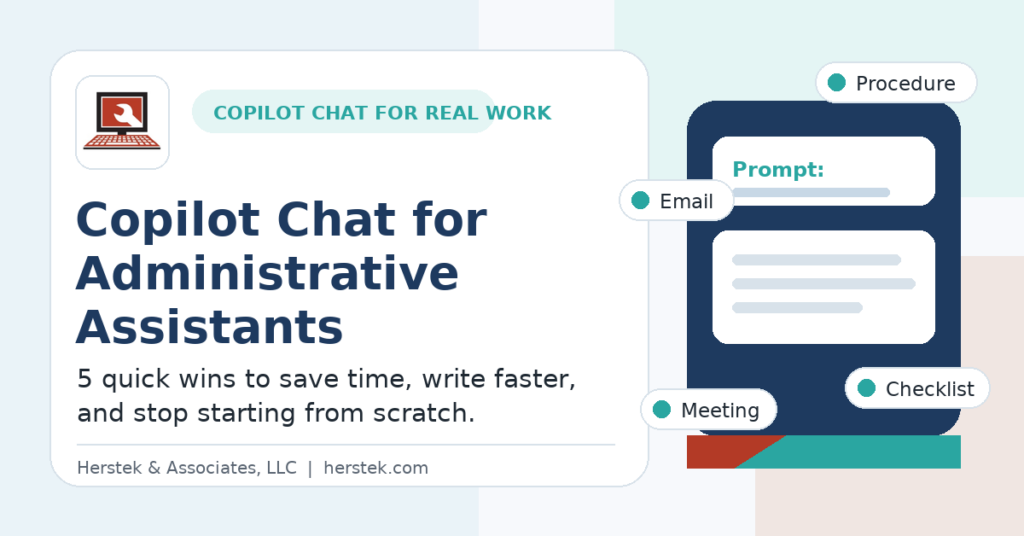
Copilot Chat for Administrative Assistants: 5 Quick Wins You Can Use Today

Copilot Chat for Administrative Assistants: 5 Quick Wins You Can Use Today

Posted by By Mandy July 21, 2026Posted inCopilot Chat, Microsoft 365
Learn 5 practical ways administrative assistants can use Copilot Chat to draft emails, create checklists, organize procedures, and save time throughout the workday.
Read More

Recent Posts

  • The Microsoft 365 Apps Every SMB Employee Should Have on Their Phone
  • Hidden Microsoft 365 Features for Small Businesses: 9 Productivity Tools You’re Already Paying For
  • Copilot Chat for Accountants: 5 Ways to Reduce Administrative Work and Focus on Financial Strategy
  • Copilot Chat for Attorneys: 5 Ways to Spend Less Time Managing and More Time Practicing Law
  • Copilot Chat for Office Managers: 5 Practical Ways to Reduce Daily Chaos

Recent Comments

No comments to show.

Archives

  • August 2026
  • July 2026
  • May 2026
  • April 2026
  • March 2026
  • February 2026
  • January 2026
  • November 2025
  • October 2025
  • September 2025
  • July 2025
  • June 2025
  • May 2025
  • April 2025
  • March 2025
  • January 2025
  • December 2024
  • October 2024
  • September 2024
  • August 2024
  • July 2024
  • June 2024
  • May 2024
  • October 2023
  • September 2023
  • August 2023
  • July 2023
  • June 2023
  • May 2023
  • April 2023
  • March 2023

Categories

  • AI
  • Articles
  • Backup
  • Copilot
  • Copilot Chat
  • Cybersecurity
  • Guides
  • Microsoft 365
  • Microsoft365
  • Productivity
  • Top Picks
Copyright 2026 — Herstek & Associates, LLC. All rights reserved. Sinatra WordPress Theme
Scroll to Top