Most businesses spend time teaching employees which desktop apps to use. Far fewer think about which Microsoft 365 apps belong on a phone.
The result?
People wait until they’re back at their desk to complete tasks that could have been handled in 30 seconds from a parking lot, airport, customer site, or coffee shop.
If your company already pays for Microsoft 365, here are the mobile apps that can save time immediately—and a few hidden gems that are worth considering depending on your role.
Why This Matters
The average workday no longer happens entirely at a desk.
Employees answer customer questions while traveling. Managers approve requests between meetings. Owners review documents from ball fields, airports, and waiting rooms.
The right apps turn your phone into a legitimate business tool instead of just another place where notifications go to die.
Let’s start with the essentials.
1. OneDrive
The Most Important Microsoft 365 App for Your Phone
If I could only recommend one Microsoft 365 app, this would be it.
Most people think OneDrive is simply cloud storage.
It isn’t.
It’s your files, documents, PDFs, photos, scans, spreadsheets, and presentations available anywhere.
Real-World Example
You’re visiting a customer and they ask for a copy of a proposal from three months ago.
You don’t need to call the office.
You don’t need to remote into your computer.
Open OneDrive, search for the file, and send it.
Done.
The Feature Most SMBs Overlook: Document Scanning
Need to save:
- Signed paperwork
- Receipts
- Contracts
- Whiteboard notes
- Business cards
Open OneDrive and tap Scan.
The app automatically detects the document, crops it, cleans it up, and saves it directly as:
- Image
- Word document
You can save it directly into the correct folder so everyone who needs it can find it later.
No emailing photos to yourself.
No mystery files sitting in your camera roll forever.
2. Outlook
More Than Just Email
Most people already have Outlook on their phone.
The problem is they only use about 20% of what it can do.
Real-World Example
You’re leaving one customer meeting and walking into another.
Instead of searching through email chains, Outlook can give you:
- Today’s calendar
- Relevant emails
- Attachments
- Contact information
all in one place.
Great Uses on the Go
- Approve requests quickly
- Monitor important customer emails
- Join Teams meetings with one tap
- Access shared mailboxes
- Check room and meeting schedules
For managers and business owners, Outlook often becomes the command center.
3. Microsoft Teams
Your Mobile Office
Too many companies still treat Teams as a video meeting tool.
The mobile app is actually one of the fastest ways to stay connected.
Real-World Example
Your field technician encounters an unusual issue.
Instead of calling three people and trying to explain it, they snap a picture and post it in the appropriate Team.
Within minutes, multiple people can weigh in.
Problem solved.
Great Uses on the Go
- Chat with coworkers
- Share photos instantly
- Access files
- Join meetings
- See missed conversations
- Collaborate from customer locations
Teams can eliminate dozens of unnecessary email chains every week.
4. Microsoft 365 Copilot
Your Pocket Assistant
Many people still think they need to sit at a computer to use Copilot.
You don’t.
Real-World Example
You finish a customer meeting and sit in your car before heading to the next appointment.
Open Copilot and ask:
Summarize my meeting notes into action items.
Or:
Draft a follow-up email based on these notes.
Or:
Create three key takeaways I should share with my team.
Before you leave the parking lot, your next steps are already organized.
Great Uses on the Go
- Draft emails
- Brainstorm ideas
- Summarize notes
- Create meeting follow-ups
- Generate first drafts of content
For busy executives, this can feel like carrying an administrative assistant in your pocket.
5. Microsoft Authenticator
The App Nobody Loves Until They Need It
Security isn’t exciting.
Recovering from a compromised account is even less exciting.
Real-World Example
An employee receives a suspicious sign-in notification while out of the office.
Authenticator provides an additional layer of protection and approval management directly from their phone.
Benefits
- Multi-factor authentication
- Password storage
- Sign-in approvals
- Improved account security
Not glamorous.
Absolutely essential.
6. Microsoft To Do
Stop Relying on Sticky Notes
If your task management system involves remembering things, you don’t have a task management system.
You have a stress management problem.
Real-World Example
You’re walking out of a meeting when a customer mentions something needing follow-up.
Instead of emailing yourself:
Open To Do.
Add the task.
Set a reminder.
Move on with your day.
Runner-Ups:
Powerful Apps That Depend on Your Role
Not everyone needs these, but for some employees they’re game changers.
Microsoft Planner
Best For:
- Team leaders
- Project managers
- Department managers
Great for viewing project status, assigning tasks, and checking progress away from your desk.
Microsoft Lists
Best For:
- Operations teams
- HR departments
- Process-driven organizations
Perfect for:
- Equipment tracking
- Onboarding checklists
- Inventory
- Inspections
Microsoft Loop
Best For:
- Collaborative teams
- Fast-moving projects
Think of it as shared notes that stay updated for everyone automatically.
SharePoint
Best For:
- Department leaders
- Managers
- Employees needing access to company resources
The mobile app makes it easy to find policies, documents, procedures, and company news without searching multiple locations.
Power BI
Best For:
- Owners
- Executives
- Sales leaders
Check dashboards, metrics, and business performance from anywhere.
There’s something powerful about reviewing yesterday’s numbers while waiting for your coffee.
Bookings
Best For:
- Service businesses
- Consultants
- Professional services firms
Monitor appointments and scheduling activity while on the move.
The Bottom Line
Most businesses are already paying for these tools.
The challenge isn’t buying more software.
It’s getting more value from the software you already own.
If your employees only have Outlook installed, they’re likely missing opportunities to work faster, find information sooner, and stay productive away from their desks.
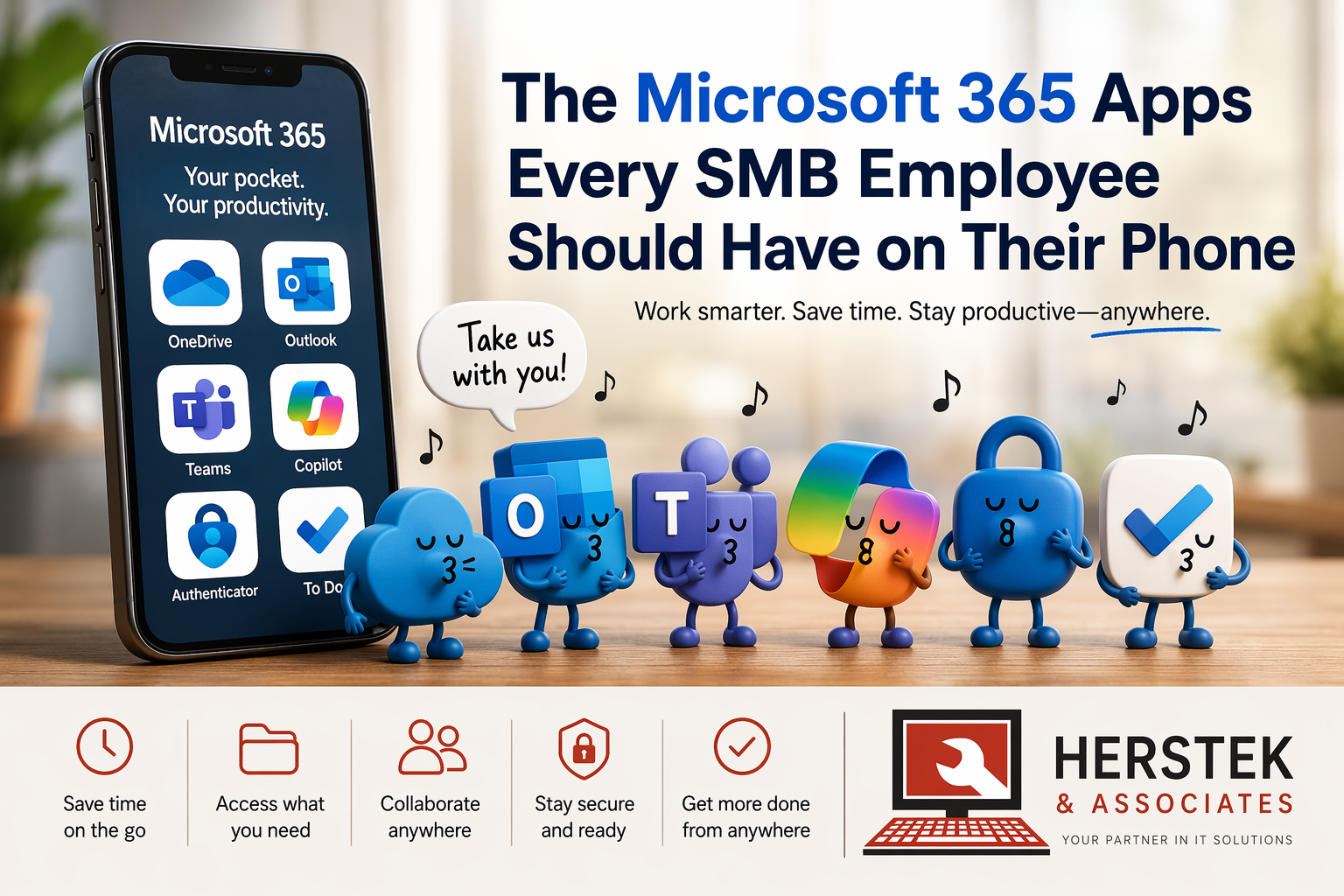
Start with:
✅ OneDrive
✅ Outlook
✅ Teams
✅ Copilot
✅ Authenticator
Those five apps alone can dramatically change how work gets done throughout the day.
And if you’re already paying for Microsoft 365, they’re probably sitting there waiting to be used.