
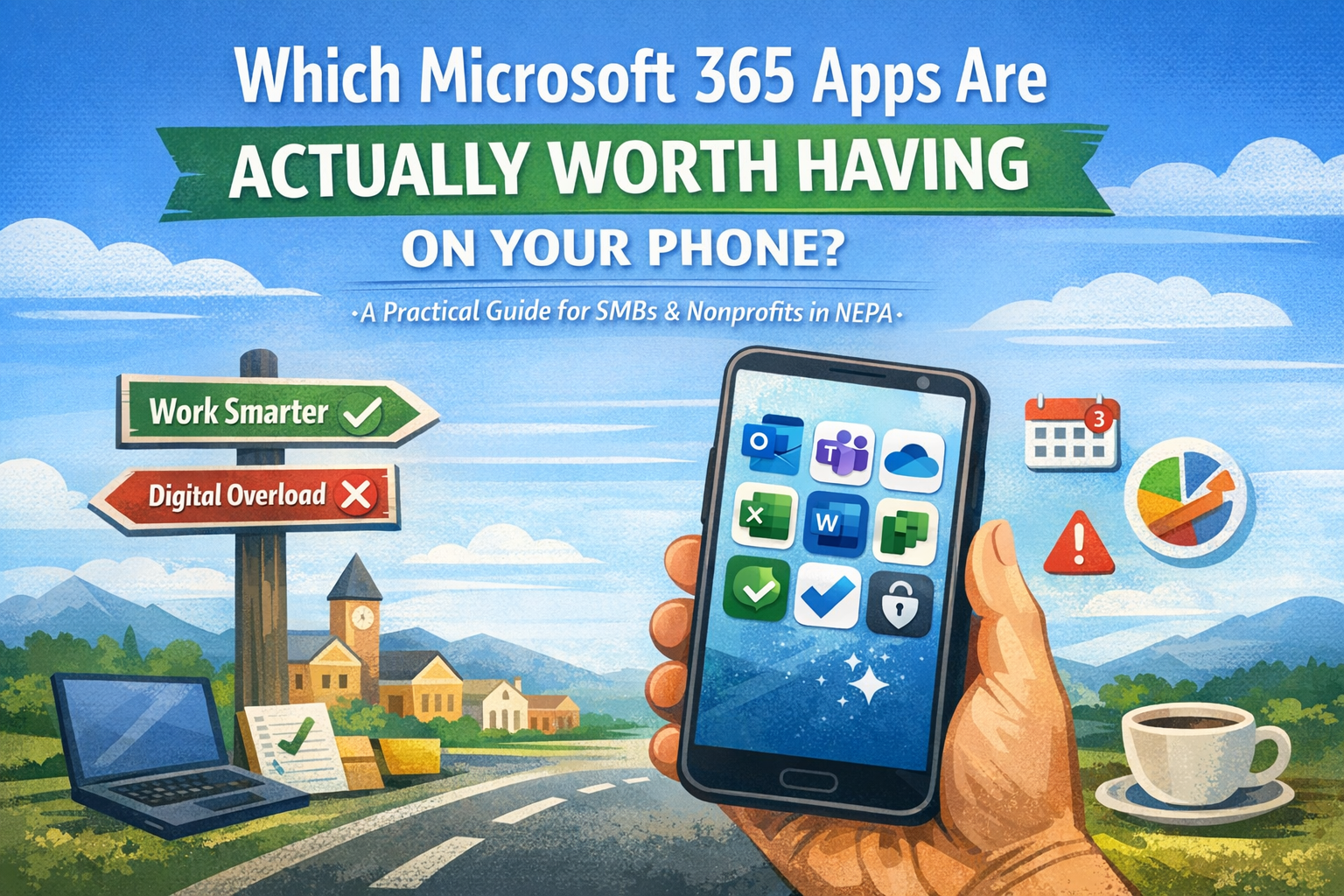
A Practical Reality Check for SMBs & Nonprofits in NEPA
If you’re an executive or administrator at a small business or nonprofit in Northeast PA, your phone is already working overtime.
Calls. Texts. Email. Calendar alerts that feel vaguely threatening.
So when someone says,
“You should put all the Microsoft 365 apps on your phone,”
your instinctive reaction is usually:
Absolutely not. I’m not turning my phone into a second office.
That instinct is right.
This isn’t a list of apps to download.
It’s guidance on where your phone should support leadership — not replace it.
You don’t need all the apps.
You need the right few, used intentionally.
📧 Outlook: Still the Anchor
Outlook on your phone isn’t about answering email faster.
It’s about context.
Email, calendar, and people live in one place — which means you can understand why something matters before reacting to it.
This is also where Copilot adds quiet value:
- Summarizing long email threads
- Helping you get oriented before a meeting
- Reducing scroll‑through fatigue when your brain is already full
Outlook mobile helps you stay oriented without opening a laptop — and without pretending every message is urgent.
💬 Teams: When Email Is Too Heavy
In many NEPA organizations, Teams fills an important gap:
- Quick clarifications
- Time‑sensitive questions
- Conversations tied directly to work
On your phone, Teams keeps communication contained and findable instead of scattered across email, texts, and memory.
When conversations pile up, Copilot can summarize what you missed — so you spend less time reconstructing context and more time moving forward.
Teams mobile isn’t about being “always on.”
It’s about fewer dropped balls.
☁️ OneDrive: The Safety Net You Don’t Think About (Until You Need It)
No one installs OneDrive thinking it’ll be exciting.
You install it because eventually someone will ask: “Can you send that now?”
…and you won’t be anywhere near your desk.
On your phone, OneDrive gives you:
- Immediate access to current files
- Fewer risky attachments floating around
- Confidence instead of scrambling
Copilot draws from what’s organized and accessible. Cleaner file habits make it more helpful — chaos makes it vague. That’s not AI drama; it’s just reality.
📊 Excel: Not for Building — For Seeing
Excel on your phone is not for:
- Writing formulas
- Reworking models
- “Quick fixes” that turn into problems
It is great for:
- Reviewing budgets
- Checking lists
- Sanity‑checking numbers before a meeting
Paired with Copilot, Excel mobile lets you understand what changed or what stands out — without digging through rows of data on a small screen.
This is about visibility, not construction.
📝 Word: When Reviewing Matters More Than Writing
Word mobile isn’t mandatory — but it earns its place if you regularly review:
- Policies
- Board materials
- Letters
- Agendas
It lets you comment, approve, or skim without printing or emailing PDFs around.
Copilot can help summarize documents or refine wording before you invest time reading everything — especially helpful when time is fragmented.
✅ Planner or To Do: One List Beats Five
If tasks live in emails, notebooks, screenshots, sticky notes, and your head — that’s not productivity. That’s stress.
Using one task app on your phone (Planner or To Do) helps:
- Keep work from disappearing
- Reduce mental clutter
- Tie tasks back to actual work
The tool matters less than the rule:
one list you actually check.
Copilot can surface loose ends — but only if there’s a consistent place to find them.
🔐 Microsoft Authenticator: Unexciting, Unavoidable, Worth It
Authenticator doesn’t make you more productive.
It makes you less interrupted.
For SMBs and nonprofits without security teams, that matters:
- Fewer lockouts
- Faster secure access
- Less chaos caused by passwords
Sometimes the most valuable apps are the boring ones that prevent fires.
🤖 Copilot: Helpful — If You Expect Support, Not Magic
Copilot belongs on your phone — just not on a pedestal.
Its real value is quiet:
- Summarizing email threads
- Providing meeting context
- Drafting first passes so you’re not starting from zero
What it won’t do:
- Replace judgment
- Fix messy systems
- Make decisions for you
Copilot supports thinking; it does not replace accountability.
Organized work makes it helpful. Chaos limits its usefulness. That honesty is part of its value.
A Pattern Worth Noticing
Across the apps that do earn a place on your phone:
- Awareness > constant access
- Context > completeness
- Support tools > noisy tools
That’s not about being more digital.
It’s about being more intentional.
The Bottom Line (Especially for NEPA Orgs)
You don’t need your entire digital office on your phone.
You need:
- Awareness instead of scrambling
- Access instead of delay
- Support instead of overload
Most NEPA SMBs and nonprofits already pay for Microsoft 365.
Using fewer tools more intentionally isn’t a compromise — it’s leadership.
Your phone should help you stay oriented.
Not turn you into the help desk.
If this feels familiar, you’re not behind — you’re just juggling real work.