Work Smarter With What You Already Have Series
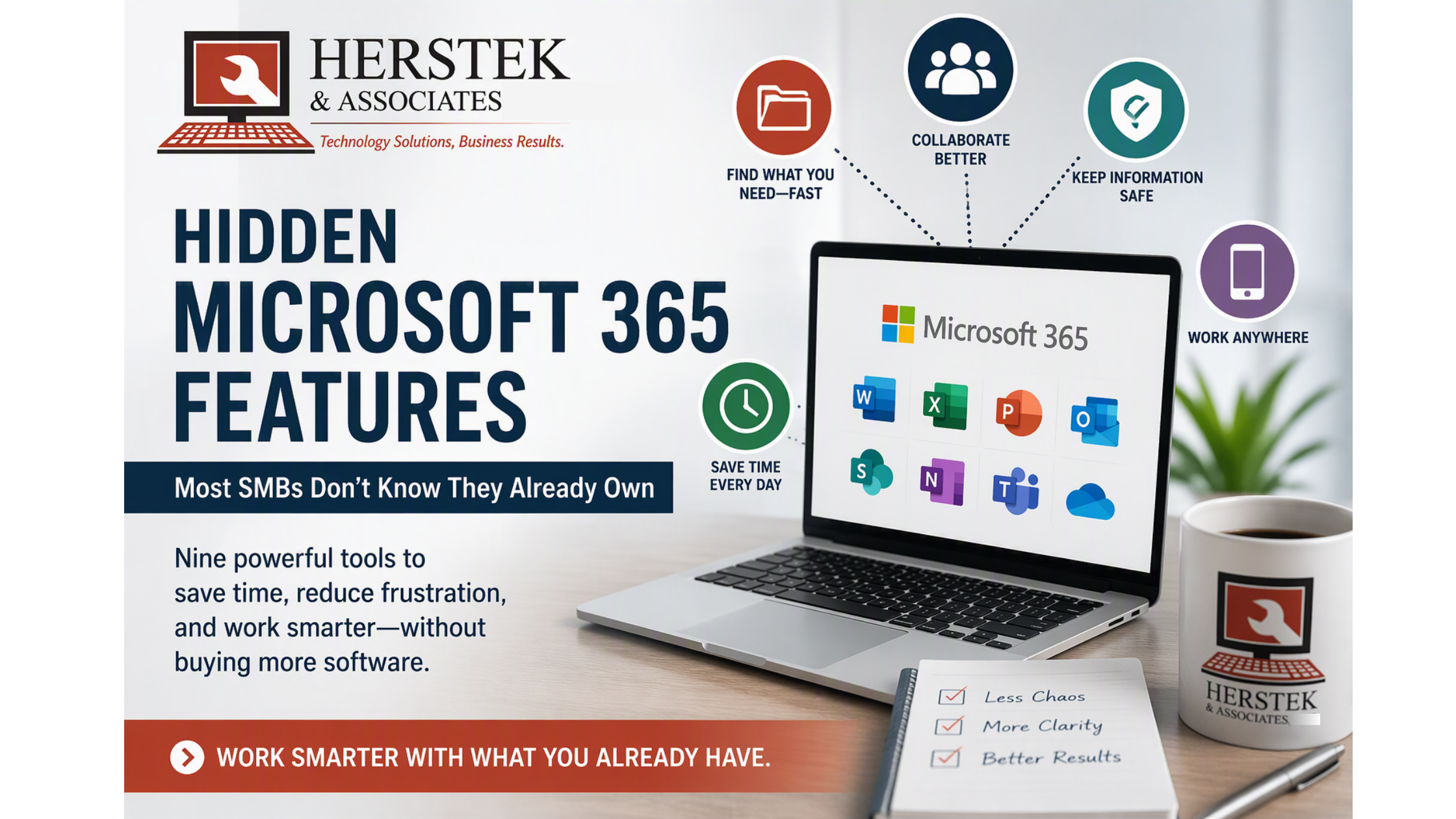
If you’re like most small and mid-sized businesses in Northeast Pennsylvania, you’re probably using Microsoft 365 for email, Word, Excel, Teams, and maybe a little cloud storage.
But here’s a question:
What if you’re only using a fraction of what you’re already paying for?
Every week, I hear some variation of:
“Wait… Microsoft 365 can do that?”
The surprising part isn’t that these capabilities exist.
It’s that many businesses are actively struggling with problems Microsoft 365 was designed to help solve.
Before you purchase another software subscription, it may be worth taking a closer look at the tools already included in your Microsoft 365 environment.
In This Article
- Which Version Is the Right One?
- Recover Deleted Files After Someone Panics
- Turn Your Phone Into a Scanner
- Find Out Who Is Working on What
- Build an Employee Handbook Without Creating an Employee Handbook
- Stop Scheduling Meetings Just for Updates
- Stop Saving Everything to the Desktop
- Wait… We Already Own Electronic Forms?
- Wait… We Can Give New Employees a Checklist?
- Before You Buy Another App
The Most Common Thing We Hear
At Herstek & Associates, one of the most common reactions we hear from business owners is:
“I didn’t know Microsoft 365 could do that.”
Many SMBs purchase additional software subscriptions to solve problems that Microsoft 365 may already help address.
The challenge usually isn’t a lack of technology.
It’s knowing what’s available and how it can be applied to real business problems.
The following capabilities consistently create some of the biggest “aha!” moments.
1. Which Version Is the Right One?
The Problem
A document gets emailed around for revisions.
Soon you have:
- Proposal Final
- Proposal Final v2
- Proposal Final Revised
- Proposal Final FINAL
Nobody knows which version is actually current.
What Most SMBs Don’t Realize
When a file is stored in OneDrive or SharePoint, multiple employees can work in the same document at the same time.
No emailing attachments.
No duplicate copies.
No version confusion.
Real-World Example
Your leadership team is building next year’s budget.
Instead of sending the spreadsheet back and forth for two weeks, everyone updates the same file. Finance sees changes in real time. Department heads see the latest numbers.
There is only one version.
Try This This Week
Take one document that’s constantly emailed around and save it in OneDrive.
Share the file instead of the attachment.
2. Recover Deleted Files After Someone Panics
The Problem
Every office has experienced this moment.
An employee walks into your office and says:
“I think I deleted it.”
Or worse:
“I permanently deleted it.”
What Most SMBs Don’t Realize
OneDrive and SharePoint include recycle bins and file recovery options.
Deleted doesn’t always mean gone forever.
Real-World Example
A spreadsheet containing months of customer renewal information gets deleted.
Instead of rebuilding it from scratch, the file is restored in minutes.
A potential disaster becomes a minor inconvenience.
Try This This Week
Open OneDrive and locate the Recycle Bin.
Take a few minutes to understand how it works before you actually need it.
3. Turn Your Phone Into a Business Scanner
The Problem
Businesses still handle:
- Signed agreements
- Employee paperwork
- Vendor invoices
- Customer forms
- Receipts
Many offices still print, scan, email, download, and manually save these documents.
What Most SMBs Don’t Realize
Microsoft OneDrive can turn your phone into a document scanner and save files directly into Microsoft 365.
Real-World Example
An office manager receives a signed employment document.
Instead of walking to the copier and emailing themselves a PDF, they scan it with their phone and save it directly to the correct location.
The document is immediately available to the team.
Try This This Week
Download OneDrive and scan your next paper document directly into OneDrive.
4. Find Out Who Is Working on What
The Problem
A manager asks:
“What’s the status of that project?”
The answer is usually:
“We’re working on it.”
Not exactly a visibility tool.
What Most SMBs Don’t Realize
Microsoft Planner can provide visibility into:
- Task ownership
- Due dates
- Project progress
- Bottlenecks
Without purchasing another project management platform.
Real-World Example
A company is relocating to a new office.
IT, operations, marketing, and administration all have responsibilities.
Instead of chasing updates through email, leadership can see project progress in one centralized view.
Try This This Week
Create a Planner board with three columns:
- To Do
- In Progress
- Completed
Add ten active tasks and see what insights emerge.
5. Build an Employee Handbook Without Creating an Employee Handbook
The Problem
Every company has that employee.
The one who knows:
- How payroll works
- Which vendor to call
- Where forms are stored
- How customer onboarding happens
- What to do when something breaks
The problem is that information often exists only in their head.
What Most SMBs Don’t Realize
OneNote can become a searchable internal knowledge center.
Not a formal 200-page policy manual.
A practical place for:
- Procedures
- FAQs
- Vendor information
- Training notes
- Department documentation
Real-World Example
Instead of telling new employees:
“Go ask Susan.”
The company documents common procedures in OneNote.
Knowledge becomes part of the organization instead of belonging to one person.
Try This This Week
Create a notebook called:
Things We Explain More Than Once
Every time someone asks a repeat question, document the answer.
6. Stop Scheduling Meetings Just for Updates
The Problem
Ten people attend a thirty-minute meeting.
Everyone gives a status update.
No decisions are made.
Nothing gets solved.
What Most SMBs Don’t Realize
Planner, Teams, shared files, and task management tools can often reduce the need for status-update meetings.
Real-World Example
Instead of spending thirty minutes every week asking:
“Where are we on that?”
Team members update progress throughout the week.
Meeting time becomes decision-making time instead of reporting time.
Try This This Week
Review your recurring meetings.
Ask:
Could this have been a task update instead?
If the answer is yes, you’ve probably found time that can be given back to your team.
7. Stop Saving Everything to the Desktop
The Problem
You know the computer.
Hundreds of icons.
Random folders.
Important files scattered everywhere.
Then the employee leaves.
Or gets a new computer.
Or the hard drive fails.
What Most SMBs Don’t Realize
The desktop was never designed to be a document management system.
Microsoft 365 provides centralized locations that are searchable, shareable, backed up, and accessible from multiple devices.
Real-World Example
A customer asks for a proposal from six months ago.
Nobody remembers where it was saved because it lived on somebody’s desktop.
After moving files into OneDrive, documents become easier to locate and share.
Try This This Week
Look at your desktop.
Ask yourself:
If this computer disappeared tomorrow, could I still find everything I need?
The answer is often eye-opening.
8. Wait… We Already Own Electronic Forms?
The Problem
Many businesses still:
- Print forms
- Fill them out
- Scan them
- Email them
- Save them
And repeat the process every day.
What Most SMBs Don’t Realize
Microsoft Forms can be used for:
- Vacation requests
- Employee surveys
- Customer feedback
- Event registrations
- Internal requests
Real-World Example
Instead of employees emailing HR every time they need time off, a simple digital form standardizes the process and keeps requests organized.
Try This This Week
Identify one paper form your business uses repeatedly.
Ask yourself:
Could this be a digital form instead?
9. Wait… We Can Give New Employees a Checklist?
The Problem
Many businesses onboard employees using:
“Follow Joe around for a few days.”
Unfortunately, Joe may not train every employee the same way.
What Most SMBs Don’t Realize
Planner can create repeatable onboarding checklists.
Every employee receives the same training path.
Managers can monitor progress.
Nothing gets forgotten.
Real-World Example
A medical office hires three new employees.
Instead of relying on memory and handwritten notes, onboarding tasks are assigned and tracked in Planner.
The process becomes repeatable and consistent.
Try This This Week
Write down every step involved in onboarding a new employee.
Then ask:
Could this become a checklist?
Before You Buy Another App…
Before investing in another software subscription, ask yourself:
✅ Can we already track this?
✅ Can we already document this?
✅ Can we already organize this?
✅ Can we already share this?
✅ Can we already recover this?
✅ Can we already standardize this?
✅ Can we already automate this?
Because many SMBs don’t have a technology problem.
They have an awareness problem.
Sometimes the next productivity breakthrough isn’t another software subscription.
It’s discovering what you’ve already been paying for all along.
Work Smarter With What You Already Have
Microsoft 365 is often viewed as email, Word, Excel, and Teams.
In reality, it can also help businesses:
- Improve collaboration
- Reduce version-control issues
- Recover important files
- Digitize paperwork
- Organize knowledge
- Track projects
- Streamline onboarding
- Reduce unnecessary meetings
The next time your business encounters a productivity challenge, don’t immediately ask:
“What software should we buy?”
Instead ask:
“Can Microsoft 365 already help us solve this?”
You might be surprised by the answer.