
If you’re running a small or medium-sized business, you’ve probably asked yourself: “Do we need to replace our computers, or can we just upgrade them?” It’s a common question—and the answer depends on a few key factors.
Let’s break it down so you can make the best decision for your business and your budget.
1. What Kind of Machines Did You Start With?
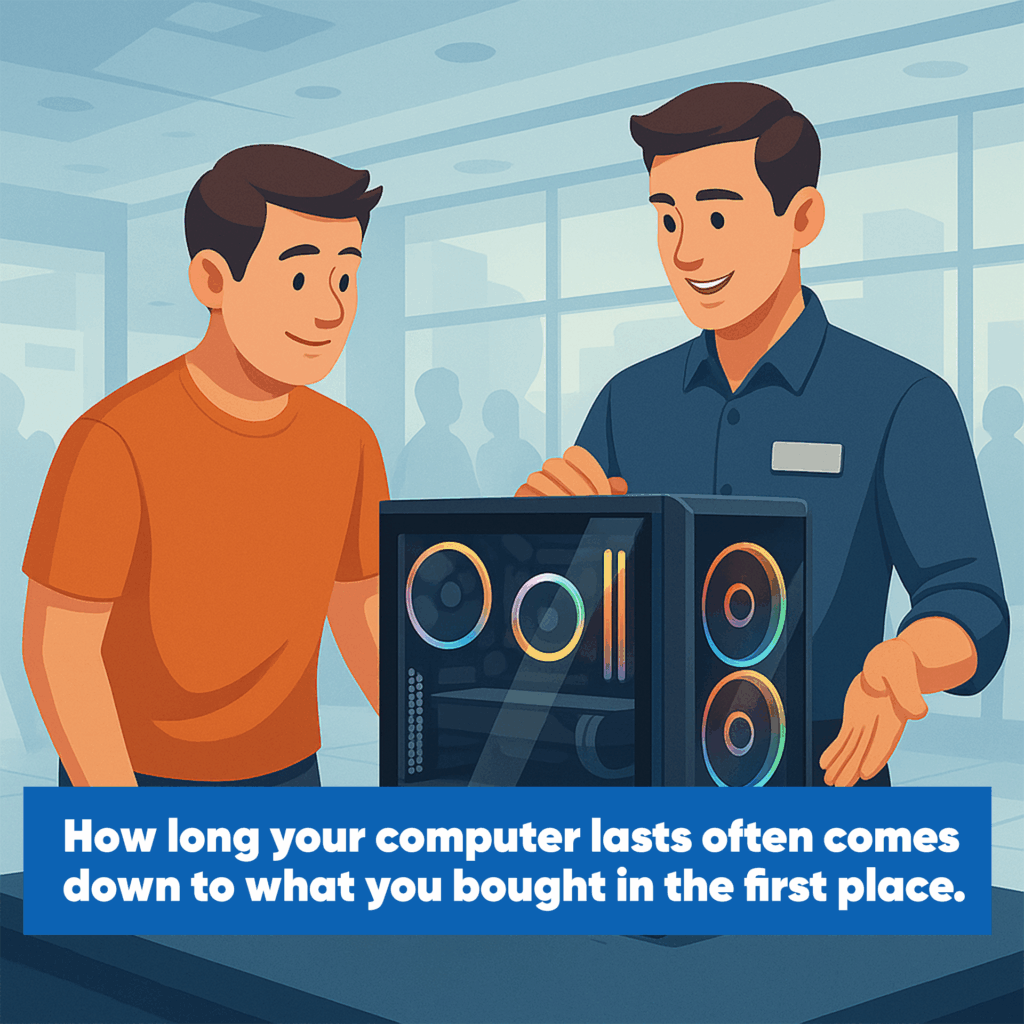
Think back to when you purchased your current computers. Were they high-performance systems built to last, or more affordable models meant to get the job done?
- Higher-end systems often have more processing power and memory, giving them a longer useful life.
- Entry-level machines may have been cost-effective upfront but tend to hit performance limits sooner—especially as your business grows and software demands increase.
If your team has been dealing with slow load times or frequent crashes, it might not be due to age—it could be that the machines were underpowered from the start.
2. Why Do They Feel Slower Over Time?
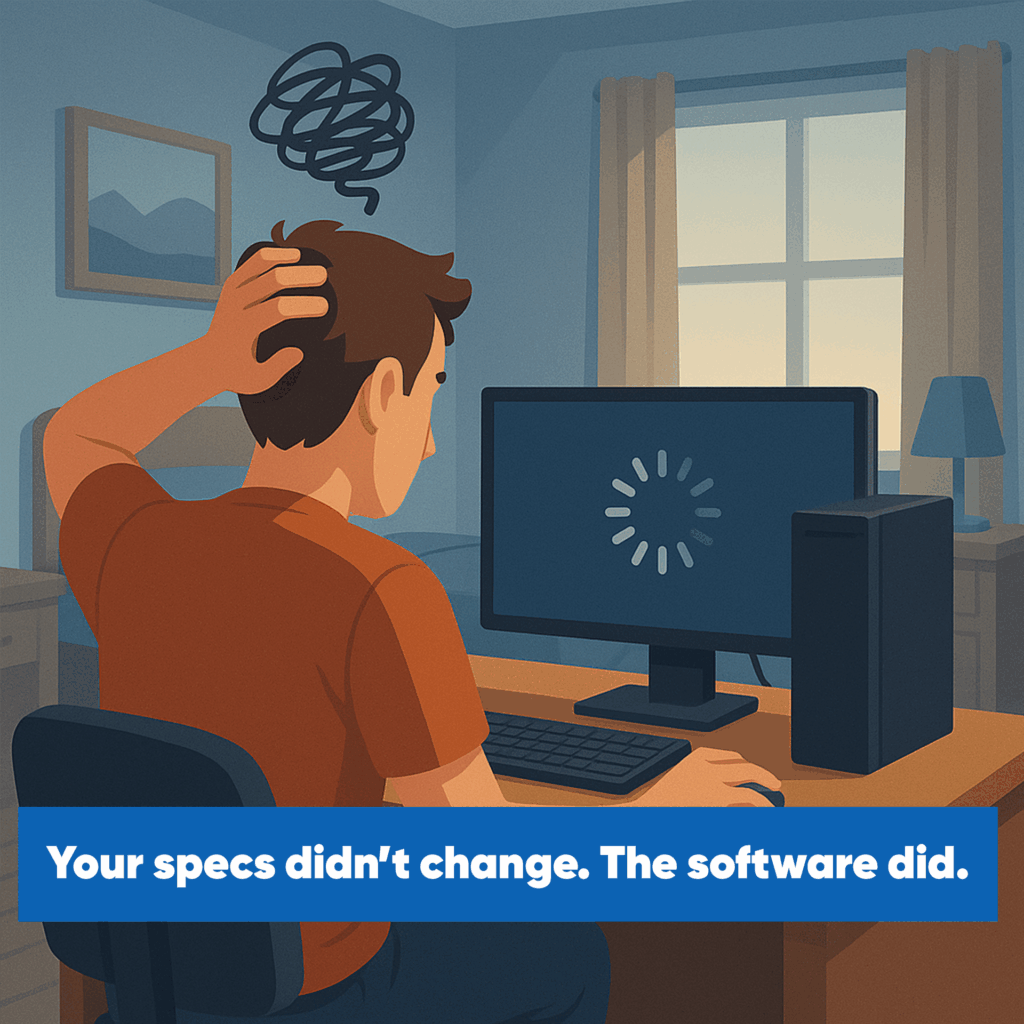
Your hardware hasn’t changed—but your software has.
Operating systems, business apps, and even web browsers are constantly evolving. These updates often require more memory and processing power. What once ran smoothly may now feel sluggish simply because the software has outpaced the hardware.
Good news: In many cases, we can optimize performance by switching to lighter software or disabling unnecessary features—buying you more time before a full replacement is needed.
3. When Software Leaves Your Hardware Behind
Eventually, older systems stop receiving updates—especially true for Macs and some Windows machines. Once your operating system is no longer supported:
- You can’t install the latest apps.
- Your web browser may stop working properly.
- You’re exposed to security vulnerabilities—a serious risk for any business handling sensitive data.
At this point, continuing to use outdated machines can cost more in downtime and risk than replacing them.
4. Can You Upgrade Instead of Replacing?
Absolutely—and it’s often a smart move for SMBs.
Here are two cost-effective upgrades that can make a big difference:
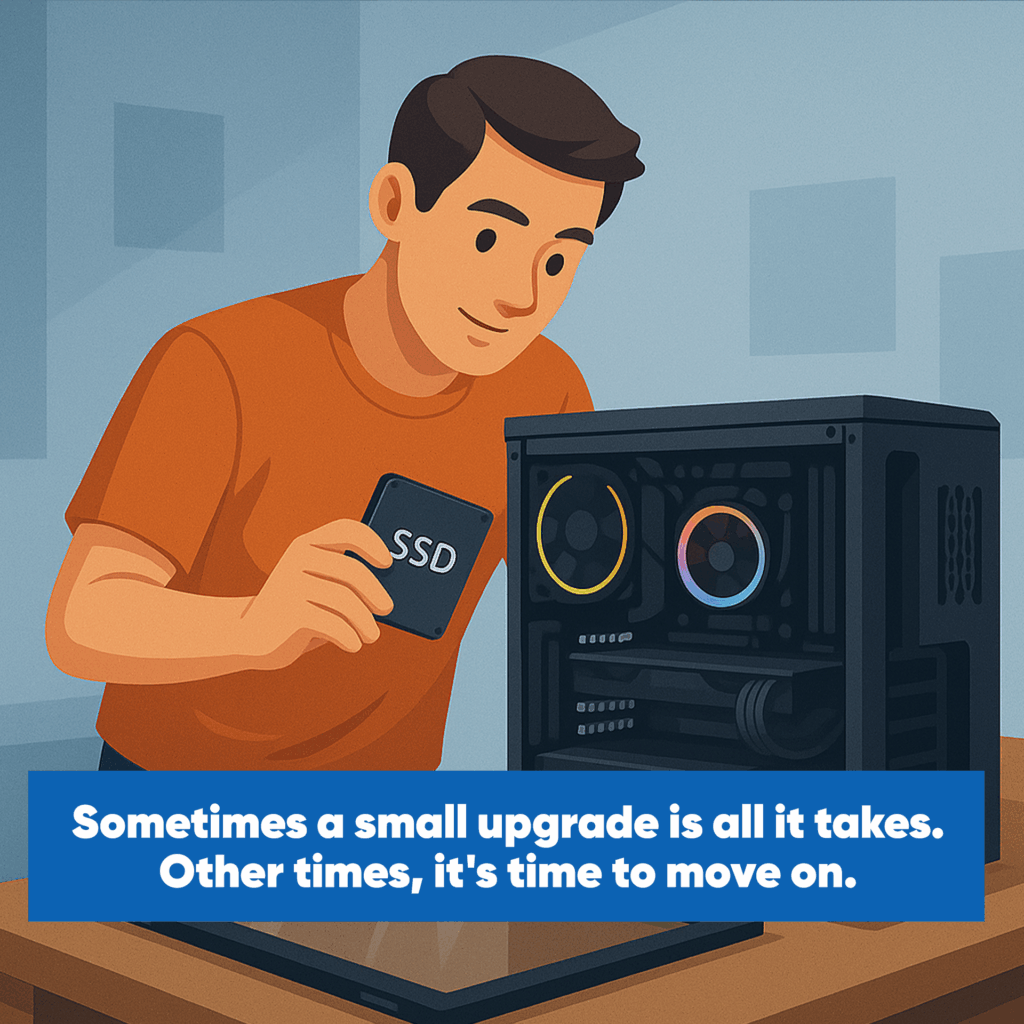
- Swap the hard drive for a Solid-State Drive (SSD): This alone can dramatically speed up boot times and app performance.
- Add more RAM: Especially helpful if your team uses multiple browser tabs or large files.
These upgrades are relatively inexpensive and can extend the life of your computers by several years.
5. When It’s Time to Move On
If your machines are too old, or if multiple components need replacing, it might be more cost-effective to invest in new systems. Also, if your business has outgrown what your current hardware can handle, upgrading may only delay the inevitable.
That’s where we come in.
Need Help Deciding? Let’s Talk.
If your business computers are slowing you down, we can help you evaluate your options. Whether it’s a quick tune-up, a few strategic upgrades, or a full replacement plan, we’ll guide you toward the most cost-effective solution.
Let’s make sure your technology keeps up with your business—not the other way around.