(Or: Why “Which AI Is Better?” Is Still the Wrong First Question)
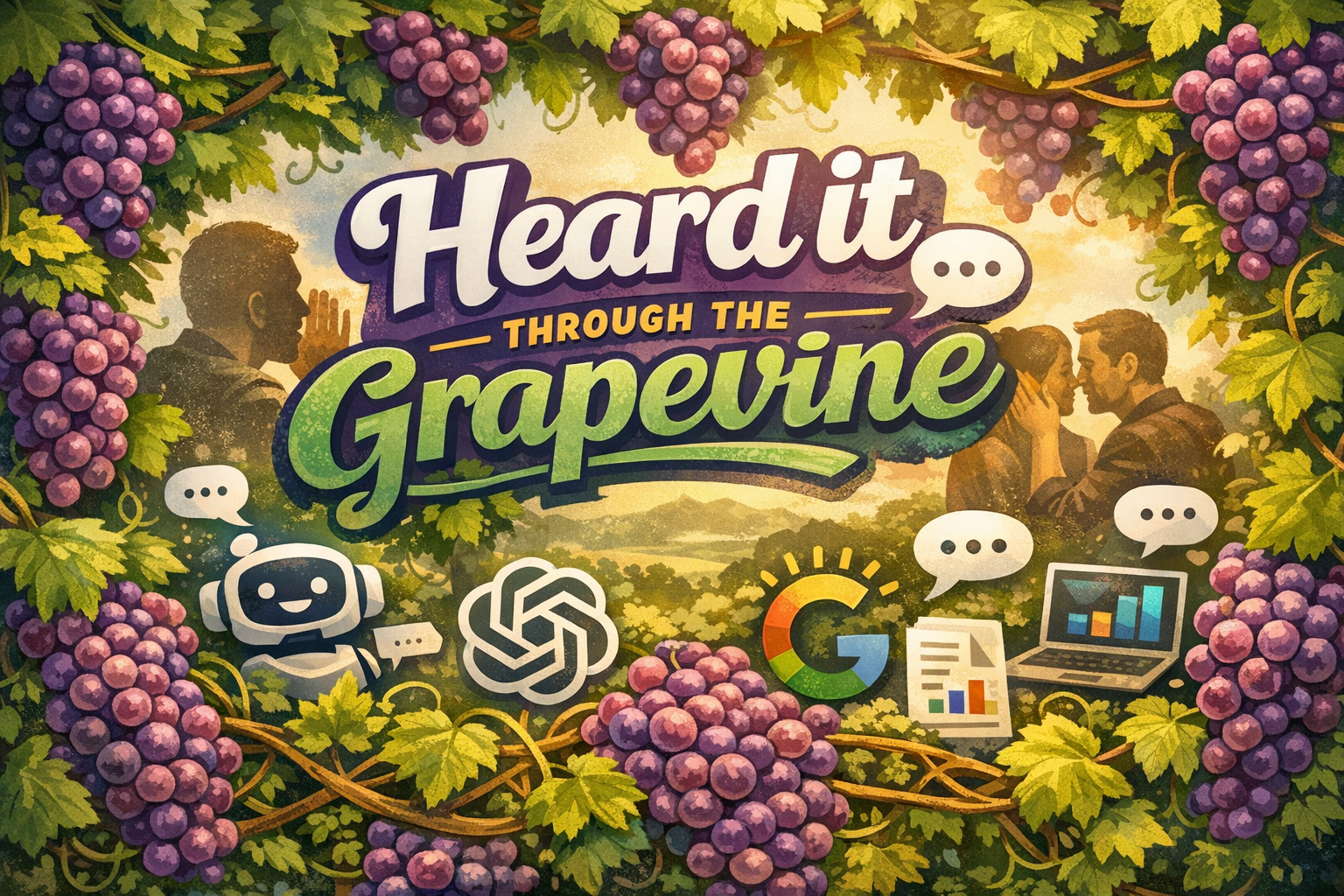
Lately, I’ve been hearing through the grapevine:
“Claude is just better.”
“Gemini wins because it’s Google.”
“Isn’t Copilot just ChatGPT with a Microsoft logo?”
Some of that used to be true‑ish.
Some of it is outdated.
And some of it misses the point entirely.
So instead of arguing in comment sections (a proven drain on productivity), let’s break this down — in plain English, for small and mid‑sized businesses that want results without accidentally creating new risks.
First Things First: What Microsoft Copilot Actually Is
(Because this part still gets misunderstood the most)
Copilot is not a single chatbot.
It’s an AI layer embedded directly inside Microsoft 365, including:
- Outlook
- Word
- Excel
- PowerPoint
- Teams
- OneDrive
- SharePoint
Historically, Copilot ran purely on Microsoft‑hosted OpenAI models.
That is no longer the full story.
Copilot Is Now a Multi‑Model Platform
Microsoft has moved Copilot to a multi‑model approach, meaning:
- Copilot still uses Microsoft‑hosted OpenAI (GPT-5 Family) models by default
- Anthropic’s Claude models (Sonnet and Opus) are now available inside Copilot for licensed tenants
- Users can select models contextually in:
- Copilot Chat
- Researcher agent
- Copilot Studio / Frontier features
All of this happens inside the Microsoft 365 tenant boundary, under Microsoft’s enterprise security and compliance controls — not via the public Claude app.
Copilot is not ChatGPT with a Microsoft logo.
It’s increasingly an AI orchestration layer for work.
What Copilot Does Inside a Business
Copilot can:
- Draft emails using your inbox context
- Summarize Teams meetings you attended
- Pull answers from your internal documents
- Create drafts based on files you already own
- Analyze Excel data without exporting it somewhere else
It only sees what you already have permission to see.
That’s not flashy.
It’s boring, enterprise‑level boring — and that’s exactly why it works for real businesses.
Clearing Up a Still‑Common Myth: “Copilot Is Just One AI”
Not anymore.
Today’s reality looks like this:
| Capability | Copilot Today |
|---|---|
| Default AI models | GPT-5 Family (Microsoft‑hosted OpenAI) |
| Additional model options | ✅ Claude (Anthropic) |
| Model switching | ✅ Context‑based |
| Governance | ✅ Microsoft tenant controls |
| Public AI accounts needed | ❌ No |
Claude’s availability depends on:
- Copilot licensing
- Tenant region (EU/EFTA/UK restrictions apply)
- Admin settings
Anthropic operates as a Microsoft subprocessor, not a standalone external tool.
So… What About Claude Now?
Claude is very good — and now, you can use Claude inside Copilot.
People say “Claude is better” because:
- It excels at long‑form reasoning
- It handles large documents well
- It produces calm, thoughtful prose
- It’s strong at research‑heavy work
All true.
The important shift is where Claude runs.
Claude is no longer “outside vs. inside.”
In Copilot, Claude runs without leaving your Microsoft environment — when configured correctly.
Claude in Copilot: What Changed (and What Didn’t)
✅ What changed
- You no longer need a separate Claude app to benefit from Claude’s strengths
- Reduced copy/paste risk
- Centralized governance
- No new user accounts
⚠️ What didn’t change
- Model choice still matters by task
- Admin controls still matter
- Data sensitivity still matters
- Employees still need boundaries
Claude being available doesn’t mean it’s automatically appropriate for every task.
And, What if you just use Claude directly (not through Copilot)?
Plenty of businesses do — especially for long‑form writing and analysis. The difference isn’t whether Claude is “good.” The difference is the workflow. When Claude is used outside your business platform, the default method is usually manual upload/copy‑paste, which means employees are making constant judgment calls about what’s safe to share. Using Claude inside Microsoft 365 Copilot can reduce that risk by keeping model choice inside the governed Microsoft environment (where licensing, admin settings, and tenant controls apply).
So… What About Gemini?
Gemini remains a strong option — especially for Google Workspace‑centric teams.
People hear:
- “Google has all the data”
- “Gemini is connected to search”
- “Gemini is better for creativity”
And for ideation, research, and marketing workflows — that can be true.
But Gemini:
- Is strongest inside Google’s ecosystem
- Does not automatically understand Microsoft‑based workflows
- Still requires clear account and data boundaries
The same rule applies:
AI quality matters — but ecosystem fit matters more.
“Heard It Through the Grapevine” Misconceptions
(Updated for Reality)
🍇 “Claude isn’t in Copilot”
Reality: Outdated. Claude models are now selectable inside Microsoft 365 Copilot for licensed tenants, as part of Microsoft’s multi‑model strategy.
🍇 “Copilot just copied Claude”
Reality: Copilot is becoming an orchestration layer — letting businesses use different models for different jobs, without leaving their tenant.
🍇 “If Claude is in Copilot, governance doesn’t matter anymore”
Reality: Governance matters more. Multi‑model doesn’t mean uncontrolled.
🍇 “Gemini is smarter because Google has all the data”
Reality: Scale ≠ business context.
🍇 “Live search means Gemini is always accurate”
Reality: Fresh information still needs validation.
🍇 “We only need one AI”
Reality: Most mature businesses already use more than one — intentionally or not.
Copilot vs Claude vs Gemini: At a Glance (2026 Reality)
| Feature | Copilot (M365) | Claude (inside Copilot) | Gemini |
|---|---|---|---|
| Embedded in daily tools | ✅ Yes | ✅ Yes | ✅ In Google Workspace |
| Requires separate platform | ❌ No | ❌ No | ⚠️ Often |
| Data governed centrally | ✅ Yes | ✅ Yes | ⚠️ Depends |
| Best strength | Operations | Deep reasoning & writing | Ideation & research |
| SMB fit | ✅ Strong | ✅ Task‑specific | ⚠️ Ecosystem‑dependent |
So… Which AI Is Actually “Better”?
Here’s the honest answer:
Whichever one causes the fewest problems for your business.
Most AI arguments aren’t about intelligence anymore.
They’re about:
- Workflow friction
- Data handling
- Human behavior
- Operational maturity
The Real Question SMBs Should Be Asking
Not:
“Which AI is smarter?”
But:
“Which AI fits how our business actually works — and is governed correctly?”
A Soft Reality Check
Not every business needs the newest model.
They need the right‑fit AI — one that reduces friction without quietly increasing risk.
If you’re trying to sort through Copilot’s new multi‑model reality, Claude vs OpenAI vs Gemini, or figuring out what to enable (and what not to) — that’s exactly the kind of grounded, non‑hyped evaluation we help SMBs navigate at Herstek & Associates.
Sometimes the smartest AI move is choosing intentional adoption over reactionary adoption.